Start with the source
Bring a video idea, transcript, interview, or finished upload into one clear brief. State the audience, promise, tone, and desired next action before asking for adaptations.
YouTube workflow
A blotato youtube workflow can help organize the work around a channel: shape one strong idea, adapt it for several audience moments, and review each asset before publishing.
Creator bottleneck
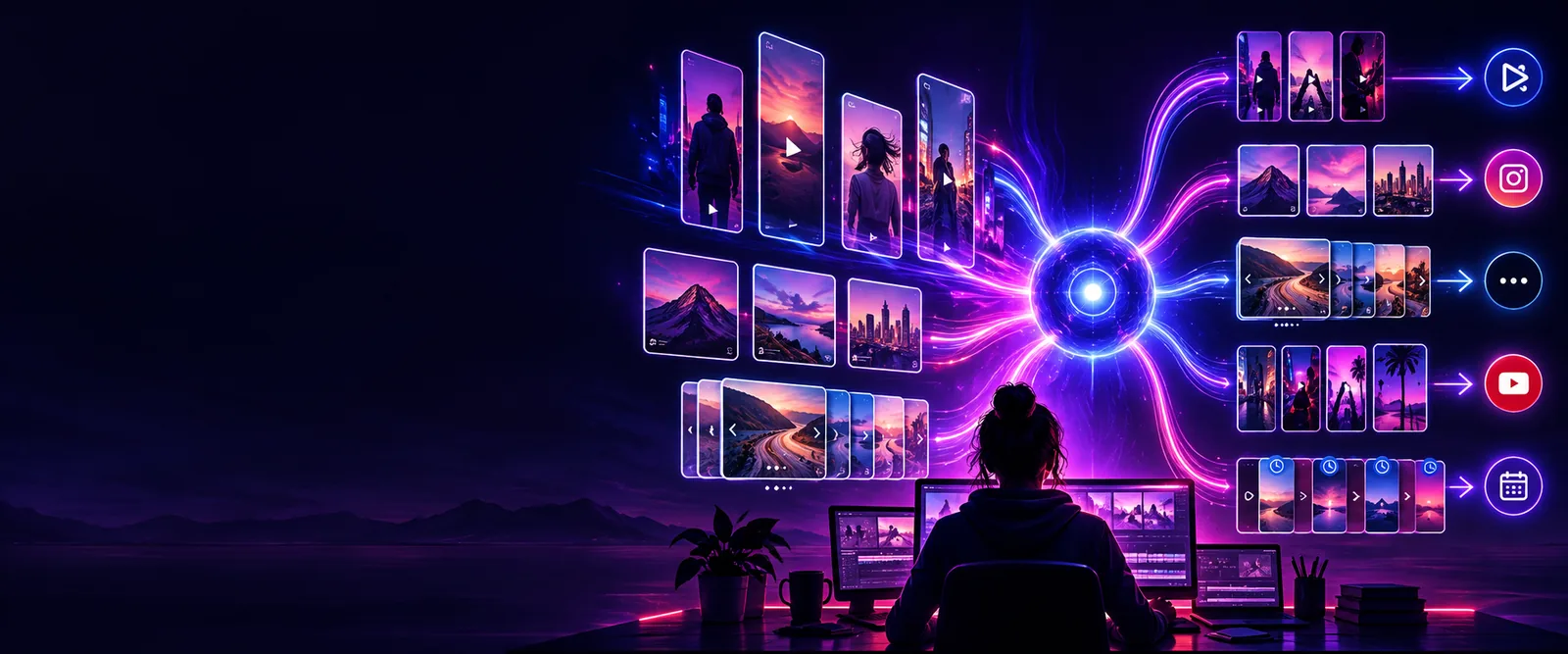
The hardest part is often not recording. It is moving from one finished idea to a consistent set of useful, accurate channel assets without losing the original point.
Bring a video idea, transcript, interview, or finished upload into one clear brief. State the audience, promise, tone, and desired next action before asking for adaptations.
Create a long-form outline, title angles, description notes, Shorts concepts, or community prompts from the same source. Keep each format focused on one audience need.
Check claims, names, links, wording, and brand voice manually. Then select the useful drafts, revise them for the channel, and schedule only what is ready.
Follow a broader step-by-step route for turning an idea into a repeatable content process.
See practical content scenarios that show where a repurposing workflow can fit.
Get the plain-language overview before deciding which channel tasks belong in your workflow.
Output preview
A useful draft should preserve the source idea while changing the shape for the audience and format. The comparison below shows the difference between a raw starting point and an edited channel brief.
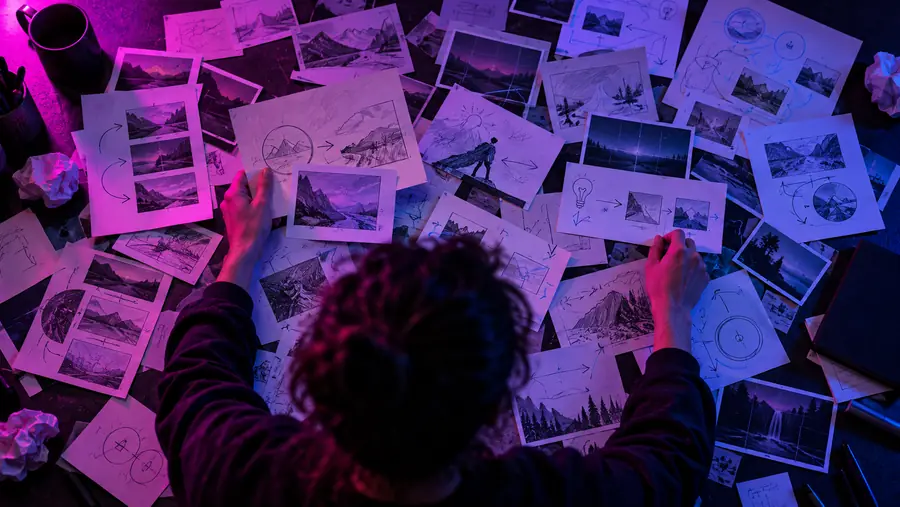

The output is a draft, not a publishing decision. Confirm facts, tone, rights, and platform requirements before release.
Editorial guardrails
Automation can reduce repetitive drafting, but responsibility stays with the channel owner. Treat every generated asset as material for review rather than a final publishing instruction.
A draft may repeat an inaccurate date, statistic, quote, product detail, or interpretation from the source material.
WorkaroundFact-check important claims against the original recording and a reliable source before publishing.
A workflow does not prove that music, footage, screenshots, logos, guest clips, or images are licensed for your use.
WorkaroundKeep a rights record and replace anything without documented permission.
A promising title or hook may still miss the audience, timing, thumbnail context, or current YouTube expectations.
WorkaroundUse channel knowledge, test thoughtfully, and evaluate results after publication.
Generic phrasing can flatten a creator's personality or make a sensitive topic sound careless.
WorkaroundRewrite the opening, examples, calls to action, and any personal or high-stakes statements yourself.
Ad hoc posting
A loose idea or finished upload
Planned repurposing
A defined source and audience promise
Ad hoc posting
One format at a time
Planned repurposing
Several channel-ready directions from one brief
Ad hoc posting
Context is rebuilt for every draft
Planned repurposing
Core message and audience stay visible
Ad hoc posting
Often happens just before posting
Planned repurposing
Built in before selection and scheduling
Ad hoc posting
Changes with each rushed asset
Planned repurposing
Checked against a consistent channel style
Ad hoc posting
More effort and inconsistent messaging
Planned repurposing
Drafts can still need substantial human editing
Use one source idea to plan the next useful assets, then keep your editorial judgment at the center. Start with a focused brief and refine what earns a place on the channel.
Channel FAQ
It can help structure a source idea into drafts such as a video outline, title angles, description notes, Shorts concepts, or community prompts. The exact usefulness depends on the source material and how specifically you describe the audience and goal.
A practical starting point is to choose one finished video or clear idea, describe its audience and main promise, and request a small set of related drafts. Review those drafts manually before expanding the process to more formats.
Do not assume that drafting and publishing are the same step. Treat the output as working material, then use your normal YouTube process to confirm assets, metadata, rights, visibility, and scheduling.
Give the workflow a clear tone, audience, subject boundary, and examples of language your channel uses. Then rewrite personal stories, claims, hooks, and calls to action so the final version reflects your actual voice.